Single-Tenant Power
All the CPU, RAM and storage of the server are yours alone, no noisy neighbors, predictable performance.

Get a single-tenant Singapore dedicated server with full root access, hosted in a Singapore data center for fast, low-latency performance across Singapore and Asia-Pacific. Managed or unmanaged, with free DDoS protection and 24×7 expert support.
Full Root Access
Complete control of your Singapore dedicated server, install any OS, control panel or software.
Free DDoS Protection
Keep your server online with always-on DDoS protection included at no extra cost.

Single-tenant servers in Singapore, billed in US dollars. Prices shown include the Singapore data center rate; switch the billing term for the best price.
Full root access, IPMI/KVM and 24×7 support on every server. OS, control panel and add-ons are chosen at checkout.
Prices are in USD and exclude any applicable taxes, which are shown at checkout.
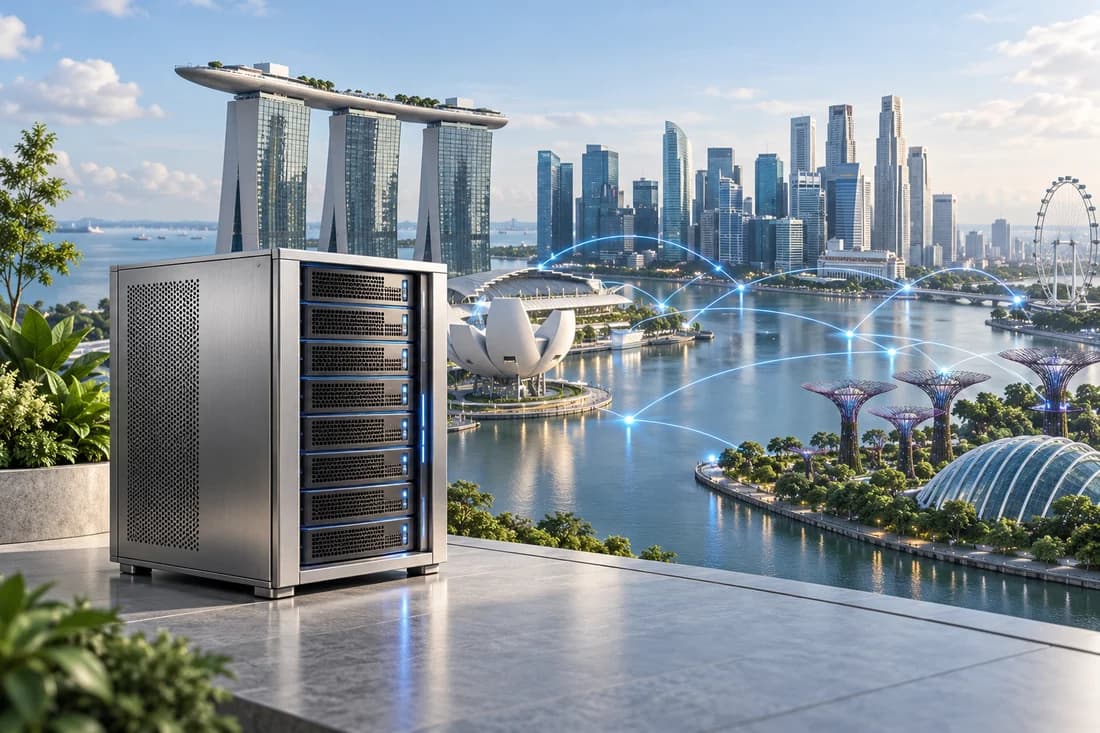
If most of your visitors, players or customers are in Singapore, Malaysia, Indonesia or the wider Asia-Pacific region, a server in the same part of the world will answer them faster than one in Europe or the US. That is the main reason people look for a dedicated server in Singapore, and it is why a business based in the US can still want its servers here when its customers are spread across Asia.
Each server is a single physical machine that only you use, in a Singapore data center run by one of our partners. You get full root access and an IPMI/KVM console, so you can reinstall the operating system or rescue a server that will not boot without opening a ticket. The OS and control panel are chosen at checkout, and 24/7 support is included.
The plans fall into three bands:
Taxes, where they apply, are added at checkout. If you would rather not look after the server yourself, have a look at Managed Support.
Serving a different region? We also offer dedicated servers in India and Australia, and a lighter way into Singapore with SSD VPS or cPanel web hosting in Singapore.
Single-tenant power and Singapore hosting built for performance
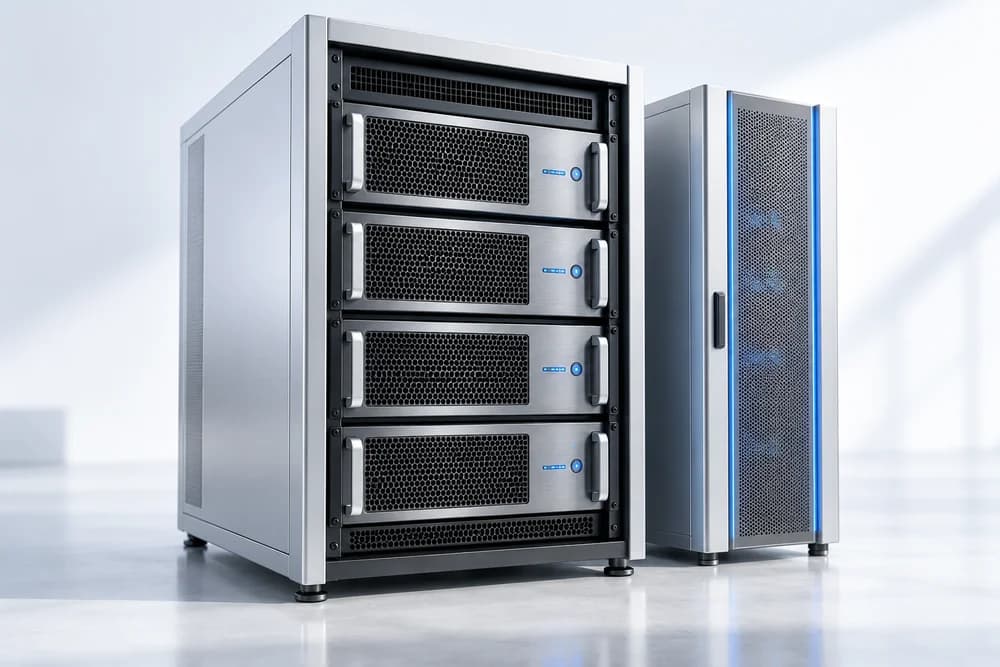
All the CPU, RAM and storage of the server are yours alone, no noisy neighbors, predictable performance.
Servers hosted in a Singapore data center deliver low latency and fast load times across Singapore and Asia-Pacific.
Choose fully managed support where we handle setup and maintenance, or run it yourself with full root control.
Always-on DDoS protection plus round-the-clock expert support keep your server fast and online.
Raw, single-tenant bare-metal power in Singapore for demanding workloads.
All the CPU, RAM and NVMe of a whole server, with no neighbors to slow you down.
Consistent performance for heavy databases and traffic peaks.
Dedicated resources and low latency for real-time workloads.
Full root control to run exactly the stack and security you need.
Singapore is a major connectivity hub for Southeast Asia, and that is the real reason to host here. If your players, shoppers or app users are spread across Singapore, Malaysia, Indonesia, Thailand and the Philippines, one server in the middle of the region is a better compromise than one in Europe or the US. Distance and the number of network hops affect response time, and a bare metal server in Singapore keeps both lower for that audience.

Online shopping in Southeast Asia has its own calendar. The 11.11 and 12.12 sales bring sharp spikes, and a marketplace seller or campaign site can go from quiet to flooded within the hour. On a dedicated machine the CPU and memory are yours alone, so a spike is a capacity question you can plan for, not a lottery.
Singapore time is UTC+8 all year, with no daylight saving. US Eastern is UTC-5 in winter and UTC-4 in summer, so Singapore is 13 hours ahead of New York in winter and 12 hours ahead in summer. That can work in your favor if your engineers are in the US and your users are in Asia: a 10 p.m. maintenance window in Singapore, when local traffic is winding down, is 9 a.m. US Eastern in winter and 10 a.m. in summer, so your own team can be at their desks. Many companies keep their main application closer to home and place a second server here for staging, regional users or a replica.
The Personal Data Protection Act 2012 (PDPA) sets rules for how organizations collect, use, protect and transfer personal data in Singapore. This is general information, not legal advice, and you should check with your own adviser. Having your server in Singapore does not by itself make you compliant with anything.
All Singapore servers use NVMe, so the questions to ask are about memory, cores and the port. Here is how we would match them to jobs.
| Plan | CPU | RAM | Storage | Port | Good fit for |
|---|---|---|---|---|---|
| Value 1 | Xeon-E 2136 | 32 GB ECC | 2 x 512 GB NVMe | 1 Gbps | The entry point for bare metal, for a site, VPN or build server |
| Standard 2 | Xeon-E 2388G | 32 GB ECC | 2 x 512 GB NVMe | 1 Gbps | General applications and a mid-sized database |
| Standard 4 | EPYC 7313 | 64 GB ECC | 2 x 960 GB NVMe | 1 Gbps | Several services at once, with room for a larger database |
| Pro 3 | EPYC 4464P | 64 GB ECC | 2 x 960 GB NVMe | 3 Gbps | Busy APIs and databases with a lot of simultaneous users |
| Pro 4 | EPYC 4585PX | 64 GB DDR5 ECC | 2 x 960 GB NVMe | 3 Gbps | Like Pro 3, but with DDR5 memory |
| Enterprise A1 | EPYC 9124 | 128 GB ECC | Chosen at order: 2 x 1.92 TB to 6 x 7.68 TB NVMe | 5 Gbps | Media libraries and large datasets that need a wide port |
| Enterprise A6 | EPYC 9654 | 128 GB ECC | Chosen at order: 2 x 1.92 TB to 6 x 7.68 TB NVMe | 5 Gbps | Heavy parallel workloads on the same storage layout as A1 |
Many game servers, Minecraft Java servers for one, spend most of their time on one fast core. That is why a high-clocked CPU such as the Xeon-E in Standard 2 is a sensible starting point for Singapore game server hosting. Run one instance per community and watch the tick rate; if a single server is comfortable, you can add more instances on the same machine before thinking about a bigger plan.
For a database that serves real users, start at Standard 4 or Pro 3, since memory and NVMe speed matter most. Pro 4 is the pick if you want DDR5. For streaming, large downloads or a media library, the 5 Gbps Enterprise servers with their extra NVMe drives are built for it. Value 1 is the entry point if you simply want to move off shared hosting onto a machine of your own.
Plain explanations of the specs you will see at checkout

ECC memory corrects single-bit errors. Pro 4 adds DDR5, which has more bandwidth, so memory-hungry databases can feed the cores faster.
Think of the port as a pipe. A game server needs a modest one. Patch downloads and video need a wide one.
A remote console for the machine itself. Reinstall the OS or watch a boot from anywhere, even when SSH is down.
Mirror them with mdadm so a failing drive is an alert to act on, not an outage.
Network-level protection helps keep floods away from your server, which matters for game and community hosting. Application bugs still need your attention.
Run the numbers once and capacity planning gets easier. A fully saturated 1 Gbps port moves about 125 MB per second, which is roughly 10.8 TB per day. A 3 Gbps port is about 32.4 TB and 5 Gbps about 54 TB. Nobody keeps a port full around the clock, so those figures are an upper bound and not a forecast.
Two examples that match what people run here.
Assume a deliberately generous 100 kbit/s per connected player. With 500 players online, that is about 50 Mbps, well inside a 1 Gbps port. The CPU hits its limit long before the network does.
Now imagine a 10 GB game patch or media file fetched by 1,000 people. That is 10 TB. At 1 Gbps, the best case takes about 22 hours to deliver. At 5 Gbps the same transfer takes closer to four and a half hours. This is the situation where a wide port pays for itself, and it is also where a CDN in front of the server is worth a look.
For ordinary websites and APIs, check your own numbers: average response size in megabytes times requests per second times eight gives Mbps. If the answer is a few hundred, a 1 Gbps plan has headroom. Remember that a port is only as fast as the path between you and the visitor, so a test from a real location in the region tells you more than a spec sheet.
Every Singapore server has two NVMe drives, and the most useful habit with a pair is to mirror them in software. With mdadm and RAID 1, each write goes to both drives, so one drive failing means a warning email and not a rebuilt site. The installer on most distributions can set this up during installation. On the Enterprise plans, the extra data drives can be added to an array of their own.
# is the mirror healthy? [UU] means both drives are in sync
cat /proc/mdstat
sudo mdadm --detail /dev/md0

# build a new mirror from two spare drives (this erases them)
sudo mdadm --create /dev/md1 --level=1 --raid-devices=2 /dev/nvme2n1 /dev/nvme3n1

# check each drive's health
sudo smartctl -a /dev/nvme0
sudo nvme smart-log /dev/nvme0Run smartctl on a schedule through smartd or cron and have it email you. Look for the percentage used, the media error count and the temperature. NVMe drives wear gradually, so the numbers change slowly and are easy to chart.
RAID protects against a dead drive. It does not protect against a deleted table or ransomware, so keep a separate copy of your data elsewhere. Most trouble shows up first in memory, disk wait and load average. Install a lightweight agent such as node_exporter with Prometheus, or Netdata, and set alerts for memory pressure, a mirror that has dropped a drive and a disk filling past about 80 percent.
Finally, keep a firewall (ufw is fine), disable password logins in favor of SSH keys, and use the IPMI/KVM console for anything that stops the network from coming up. If running all this sounds like a second job, our Managed Support option exists for that reason.
Most people arrive here with something running already. It might be a Cloud VPS that has hit its memory limit, an application that is slow for users in Asia, or a primary server in another region that needs a regional partner. The patterns are different, so choose before you order.
Set up the new server with the same software, copy files with rsync, dump the database, test using a hosts-file entry and then change DNS once the TTL has dropped. Keep the old VPS around for a week as a fallback.
Think of a dedicated server Asia-Pacific users can reach quickly as one part of a bigger setup, not the whole of it. If your main application runs in another region, treat Singapore as an edge for Asian users. Static assets are easy because a CDN or a second copy handles them. Dynamic data is harder, because a user in Jakarta still needs a database answer. The simple version is a read replica in Singapore with writes going to your primary region. That works for content sites and catalogs but needs care for anything transactional, so plan it carefully before the busy season.
A Value 1 or Standard 2 server is a sensible regional staging machine: a place to test deployments against production-sized data, or to run builds close to Asian users.
Not every Singapore project needs bare metal. A small business website is happy on web hosting in Singapore, and our guide to shared versus VPS hosting explains the step up. If you want your own root access without a whole machine, try SSD VPS, NVMe VPS or Cloud VPS in Singapore. For large file storage, Storage VPS in Singapore is worth a look.
Choose a dedicated server when you want hardware nobody else touches, when games or databases would use all of a VPS, or when you need up to 128 GB of memory and a fast port. If you are still deciding, compare the full dedicated range, or look at the servers in India and Australia. We are happy to talk it through, so get in touch if the choice is not clear.
Everything you need to know about Singapore dedicated servers
Still have questions?
Our support team is live 24/7.
Single-tenant power with full root access and free DDoS protection, hosted in Singapore, configured to your needs, with 24×7 support.