
Skip to content
Hostripples

HOSTRIPPLES VPS

VPS Overview

Compare Cloud, SSD and Storage VPS from Hostripples: full root access, NVMe or SSD storage, worldwide locations and starting prices.

Explore solutions
3Solutions
VPSCategory
One place

FIND YOUR FIT

All VPS Solutions

3 solutions to explore

Starting prices depend on the plan, billing term and availability. See each service page for full pricing and applicable taxes.

SSD, NVMe, Cloud or Storage: Which VPS Fits?

Four VPS lines built around different priorities, not one generic tier.

SSD VPS: good value across global regions

The entry point into Hostripples VPS: SSD-backed storage, full root access, and a choice of global regions, priced for anyone who wants real isolation without paying for NVMe speed they may not need yet.
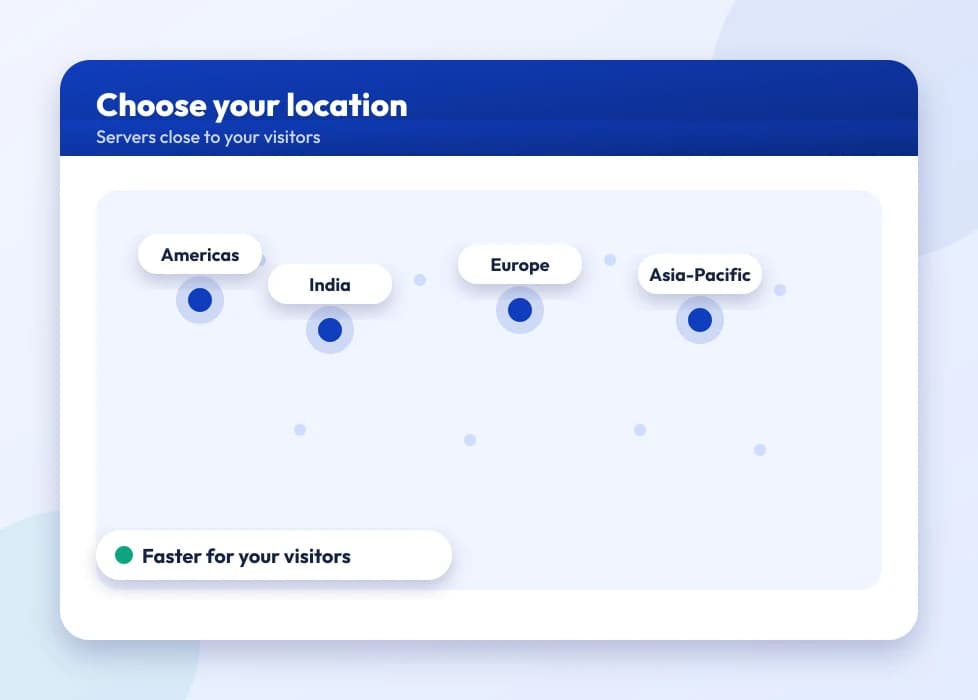
A world map with data center location markers

NVMe VPS: for workloads where speed is the point

Same isolation and root access as SSD VPS, on NVMe storage with faster provisioning and console access from the moment it's deployed. It's the right call for anything I/O-heavy: databases, high-traffic WooCommerce, or apps with real concurrent users.
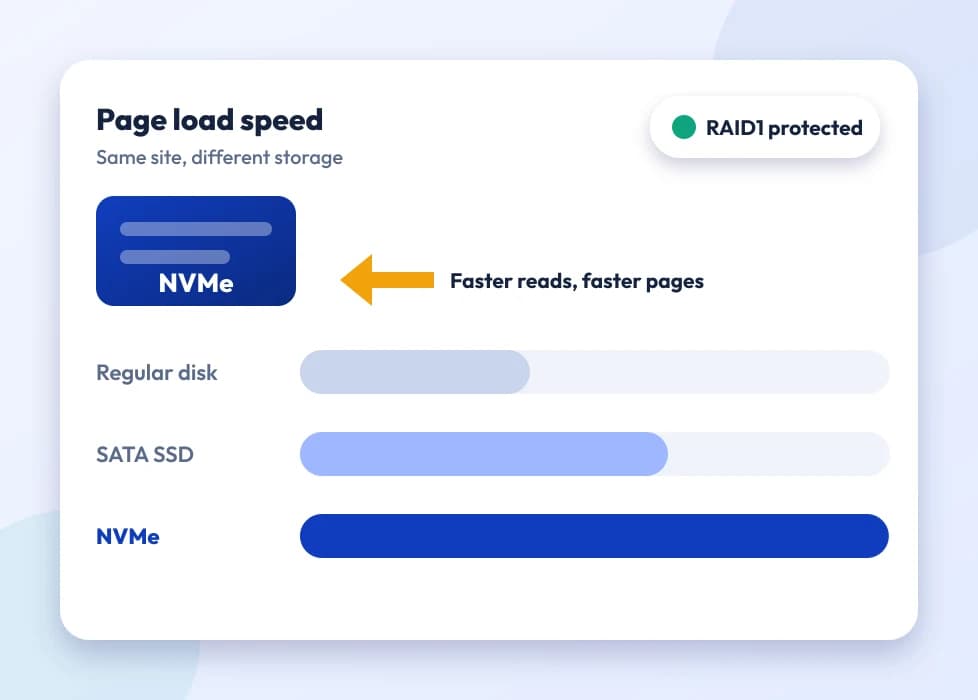
An NVMe storage chip with a speed indicator

Cloud VPS: flexible compute that scales with you

Built for workloads that need to resize without a migration. Add RAM or CPU as traffic grows, instead of committing to a fixed spec upfront. See the Cloud VPS plan page above for current configurations and live pricing.
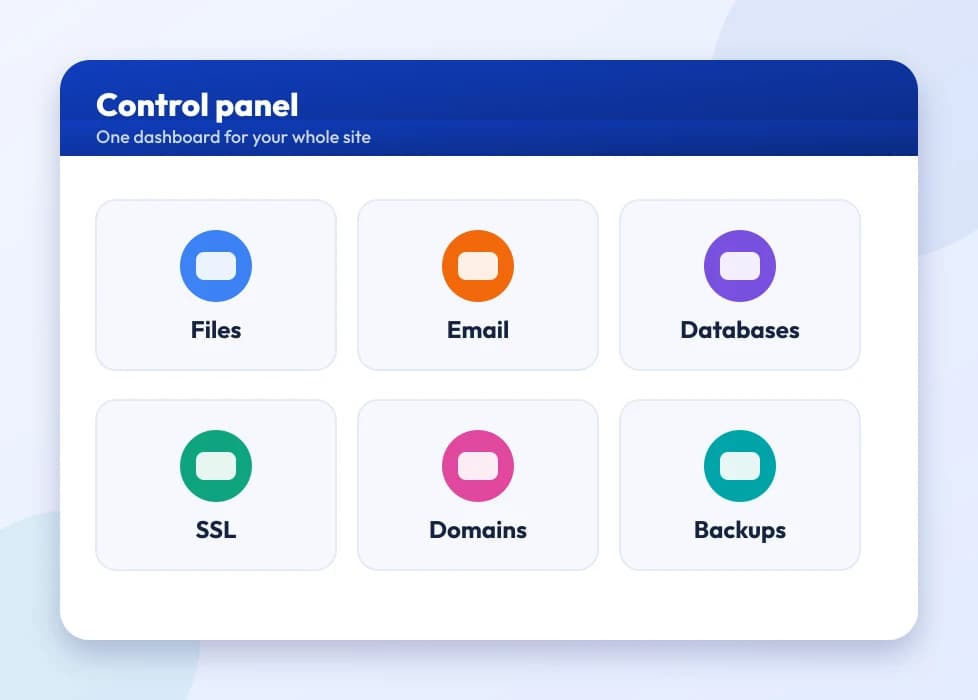
A control panel dashboard with resource usage tiles

Storage VPS: built for backups and archives, not front-end traffic

Terabytes of SSD storage on a VPS that's priced for capacity rather than raw compute. It's the right fit for off-site backups, media archives, or a secondary copy of data you don't want depending entirely on one location.
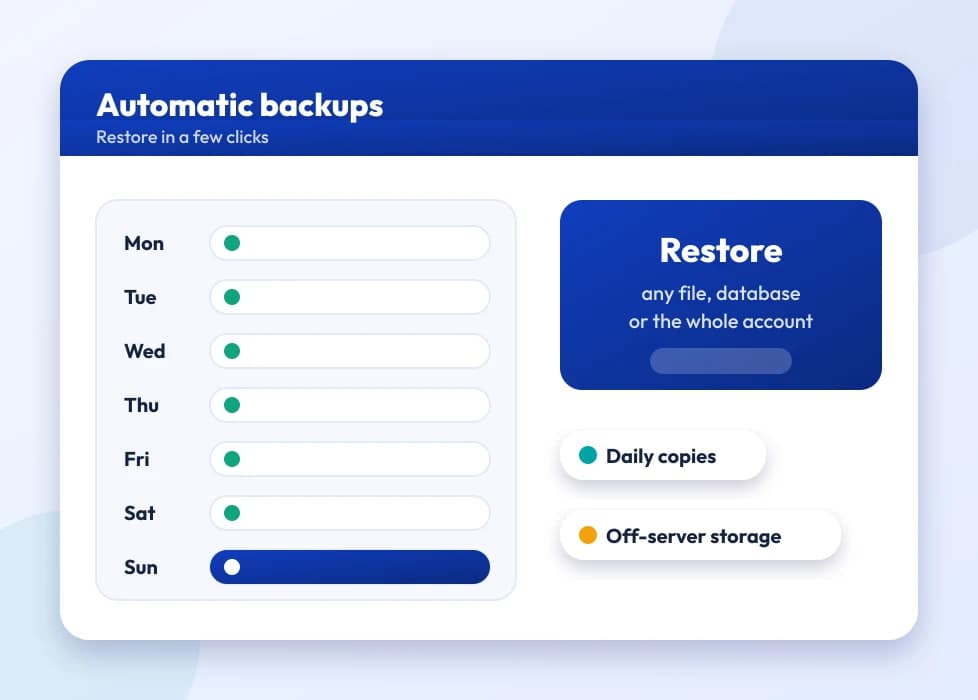
A backup archive icon with stacked disks
Not sure which line fits your workload? Our support team can walk through the trade-offs with you by live chat, email or ticket before you buy.

VPS Hosting in the USA: When Shared Hosting Isn't Enough

There's a specific moment most website owners recognize: shared hosting used to be plenty, and now it isn't. Maybe traffic picked up after a marketing push, maybe a WooCommerce store started taking real orders, maybe a client asked for something shared hosting simply can't do, like installing a custom PHP version, running a background job or opening a non-standard port. That's the point where people start searching for VPS hosting in the USA, and it's worth being clear about what you're actually buying before you do.

A VPS (Virtual Private Server) takes a physical machine and partitions it into isolated virtual servers, each with its own guaranteed CPU, RAM and storage allocation and full root access. You're not sharing a pool of resources with hundreds of other accounts the way shared hosting works; your VPS gets what it's allocated, and what happens on a neighboring VPS on the same hardware doesn't touch your performance or your security. That isolation is the entire reason VPS exists as a category between shared hosting and a full dedicated server.

The natural next question, once you're convinced you need more than shared hosting, is whether to buy a VPS or go straight to a dedicated server. The honest answer is that a cloud VPS vs dedicated server decision usually comes down to how predictable your load is and how much of a physical machine you actually need. A VPS gives you guaranteed resources without paying for an entire physical server, and you can scale it up as you grow instead of over-provisioning from day one. A dedicated server makes more sense once your workload genuinely needs an entire machine's worth of CPU, RAM or I/O, or when regulatory or compliance reasons require no virtualization layer at all. For most growing websites, apps and small business infrastructure, VPS is the more sensible starting point. That includes people looking for a cheap VPS in the USA that doesn't sacrifice root access or isolation to hit a low price.

Buying a VPS today is a self-service process on every one of these lines: pick the plan, choose a location where relevant, and root access is available as soon as provisioning finishes. If you're moving over from another host, our support team can talk through the migration path before you commit, and nothing about switching to Hostripples VPS requires downtime you haven't planned for.

Hostripples runs four VPS lines built for different priorities rather than one generic tier stretched to fit everyone: SSD VPS, NVMe VPS, Cloud VPS and Storage VPS, each shown above with live plan pricing. The rest of this page walks through who each one actually suits, how to think about the differences between them, and the questions that come up most often when people are deciding.

Each VPS line has a page per location: start from SSD VPS, NVMe VPS, Cloud VPS or Storage VPS. For a hands-off server, Managed Support adds monitoring, security hardening, backups and patching.

Running a specific application? Magento hosting and Django hosting run on our NVMe VPS plans, each with an install outline for that application.

Who Actually Needs a VPS?

Short answer: anyone who's outgrown shared hosting but doesn't need a whole physical server.

VPS hosting sits in a specific gap: more control and guaranteed resources than shared hosting, without committing to a full dedicated machine. These are the groups who consistently end up here.

Growing websites & online stores

Once traffic or order volume gets unpredictable, shared hosting's shared resource pool becomes the bottleneck. A VPS gives your site guaranteed CPU and RAM that other accounts can't eat into.

Developers & agencies

Full root access means installing your own stack (a specific PHP or Node version, a custom firewall rule, a background worker) without waiting on a support ticket or a shared-hosting policy.

Businesses that need predictable performance

Client portals, internal tools and booking systems that can't afford to slow down when an unrelated account on the same server has a traffic spike.

Anyone comparing cheap VPS options in the USA

A cheap VPS in the USA should still mean real isolation and root access, not a relabeled shared hosting account. That's the baseline every Hostripples VPS plan starts from.

Got Questions?

VPS Hosting FAQs

What people actually ask before they buy VPS hosting in the USA

It's a virtual server carved out of a physical machine using virtualization, with its own dedicated CPU, RAM, storage and full root access. That's unlike shared hosting, where hundreds of accounts draw from one pool of resources. You get an isolated environment that behaves like your own server, at a fraction of the cost of a physical machine.
Shared hosting puts many accounts on one server sharing the same resource pool and control panel, with no root access. A VPS gives you guaranteed resources that other accounts on the same physical machine can't touch, plus full root access to install and configure whatever your project needs.
If your workload is unpredictable or still growing, a Cloud VPS lets you resize without migrating and costs less than reserving an entire physical machine. A dedicated server makes sense once you consistently need an entire machine's CPU, RAM or I/O, or have compliance requirements that rule out virtualization. Most growing businesses start with VPS and move to dedicated only once they've genuinely outgrown it.
Both give you full root access and guaranteed resources; the difference is the storage layer underneath. SSD VPS is priced for value and covers most general workloads comfortably. NVMe VPS uses faster storage with quicker provisioning, which matters more for database-heavy sites, high-traffic stores or anything sensitive to disk I/O latency.
Cloud VPS is the line to pick when you expect to resize: add RAM, CPU or storage as a project grows rather than committing to a fixed spec on day one. It suits apps and sites in an active growth phase more than a fixed, predictable workload.
Storage VPS is priced around capacity rather than compute: terabytes of SSD storage on a VPS meant for backups, archives, or a secondary copy of data, not for running a front-end website. If your bottleneck is disk space rather than CPU or RAM, it's usually cheaper than over-provisioning a compute-focused VPS just for the storage.
Yes. Every Hostripples VPS line includes full root access as standard, not as a paid add-on. That's the point of choosing VPS over shared hosting in the first place.
Yes, especially once a WordPress or WooCommerce site outgrows shared hosting's shared resource pool. NVMe VPS in particular suits WooCommerce well, since database and disk I/O tend to be the first bottleneck as order volume grows.
It depends heavily on the workload. A low-traffic brochure site and a busy WooCommerce store need very different specs even though both fit comfortably on VPS. Our support team can help size a plan based on your actual traffic and application rather than guessing, and every VPS line can be upgraded later if the first estimate turns out low.
Yes. VPS plans are built to scale up as your needs grow, without requiring a fresh setup or data migration. This is one of the practical advantages of VPS over jumping straight to a fixed dedicated server.
It depends on what you need. Root access means you can manage the server yourself if you have the technical background, and our support team is available for setup help, troubleshooting and general guidance by live chat, email and ticket either way.
Standard Linux distributions are available across the VPS lines, along with control panel options for anyone who wants a GUI rather than managing everything from the command line. Ask support for the current OS list for the specific line you're considering.
Yes, that's the core advantage of root access: custom PHP or Node versions, Docker, background workers, non-standard ports, anything your project needs that shared hosting's shared environment wouldn't allow.
SSD VPS in particular offers a choice of global regions, so you can pick a location closer to your actual visitor base rather than defaulting to wherever your host happens to have capacity. Check the SSD VPS plan page above for the current list of regions and live pricing.
Isolation from other accounts on the same physical machine is itself a security improvement over shared hosting, since one compromised neighbor can't affect your VPS. Beyond that baseline, securing the server (firewall rules, keeping software patched, access control) is part of having root access, though our support team can advise on hardening a fresh VPS.
Backup policies vary by plan and line. Check the specific VPS product page for what's included, and consider Storage VPS as a dedicated, low-cost place to keep your own backup copies independent of the server you're backing up.
You can upgrade to a higher spec on the same line, or in some cases move to a line better suited to the bottleneck you're hitting: NVMe VPS if it's disk I/O, Cloud VPS if you need to resize repeatedly as you grow. Support can help diagnose which resource is actually the constraint before you pay for an upgrade you don't need.
NVMe VPS in particular is built for instant deploy, so you can be working on a fresh server shortly after ordering rather than waiting on manual provisioning.
The technology is the same everywhere, but a VPS in a data center close to your visitors (a US location, where the line offers one, if most of your traffic is in the US) gives them lower latency than routing to a server on another continent. Support that answers 24/7 by live chat, email and ticket is also a real practical difference when something needs troubleshooting quickly.
A cheap VPS should still include full root access, real resource isolation and a working support line, not a relabeled shared hosting account with a higher price tag. SSD VPS is priced as the value entry point precisely because it doesn't strip out any of that.
Root access means you can run most self-hosted software on a VPS, though for dedicated game server hosting specifically, check our Dedicated Servers line, which is purpose-built for the low-latency requirements gaming workloads need.
More than shared hosting, since you're managing your own root-access environment rather than a pre-configured control panel, but you don't need to be an expert on day one. Many VPS plans support control panel add-ons, and our support team can help with initial setup even if ongoing management is on you.
VPS plans are billed on recurring terms similar to other hosting products. Check each VPS line's product page for current pricing, billing periods and any discount for longer commitments.
Refund eligibility varies by product. VPS plans are generally treated differently from shared and reseller hosting's standard money-back guarantee, so check the specific terms on the plan page or ask support before ordering if this matters to your decision.
Yes, and our support team can assist with migration from another host or from a Hostripples shared hosting plan you've outgrown. Ask before you order if you want a clear picture of what the migration involves for your specific setup.
Network-level protections apply across our infrastructure; for workloads where DDoS resilience is a specific, primary requirement (game servers being the clearest example), our Dedicated Servers line is built with that need more directly in mind.
Some hosts use "cloud" loosely to describe shared infrastructure with a marketing label. Hostripples Cloud VPS is a genuine virtual private server with full root access and guaranteed resources. The "cloud" part refers to how easily it scales, not a downgrade in isolation.
If storage is your only bottleneck, Storage VPS is priced for capacity rather than compute, so you're not paying compute-line prices for disk space you don't need attached to your main server. It also works well as an independent, separately-billed backup location.
IP allocation details vary by plan. Check the specific VPS product page, or ask support if a static or dedicated IP is a requirement for your setup, which is common for mail servers, some software licensing, or firewall allowlisting on a client's end.
Availability of Windows Server images varies by VPS line. Ask support for the current OS options if your application specifically requires Windows rather than Linux.
SSD VPS is usually the right starting point: value-priced, straightforward, and paired with support that can help with initial setup. Upgrading to NVMe or Cloud VPS later, once you know your actual usage pattern, is simpler than trying to predict everything on day one.
Our support team is available 24/7 by live chat, email and ticket to help size and choose between SSD, NVMe, Cloud and Storage VPS before you commit. It's a five-minute conversation that avoids paying for the wrong spec.
Yes. Root access lets you install a licensed control panel like cPanel or Plesk on top of any VPS line if you'd rather manage sites through a GUI than the command line. Ask support about licensing costs and setup, since panel licenses are typically billed separately from the VPS itself.
Reseller hosting is still shared infrastructure underneath, packaged so you can resell hosting accounts to your own clients without root access to the underlying server. A VPS gives you the actual server (full root access and isolated resources), which suits agencies wanting real control rather than a resold shared hosting product.
Yes. With root access and a control panel of your choice, a single VPS can host as many sites as its resources comfortably support; there's no per-site limit built into the VPS itself the way some shared hosting plans impose.
Setup fees vary by plan and any promotional pricing running at the time. Check the specific VPS product page for current pricing, since Hostripples VPS is generally billed as a straightforward recurring charge without hidden setup costs.
Uptime depends on the underlying infrastructure and network, which is monitored continuously across our VPS lines; ask support for the specific uptime commitment that applies to the line you're considering, since guarantees can differ between SSD, NVMe and Cloud VPS.
Yes, root access allows it, though mail server deliverability depends heavily on IP reputation and correct DNS configuration (SPF, DKIM, reverse DNS), regardless of which host runs the server. Support can advise on getting a VPS-hosted mail server set up correctly from the start.
Snapshot availability varies by VPS line. Check the specific product page, and note that a snapshot isn't a substitute for a proper backup strategy; Storage VPS is a good complement for keeping backup copies independent of the server they protect.
SSD VPS is the value entry point, NVMe VPS costs more for the faster storage and instant deploy, and Cloud VPS is priced around its ability to resize rather than a fixed spec. Compare live pricing on each product page rather than assuming one line is uniformly cheaper, since the right choice depends on which resource your workload actually needs most.
Billing terms and any trial or short-term options vary by plan. Check the specific VPS product page or ask support if you want to start with a shorter commitment before moving to an annual term.
For a typical low-to-medium traffic site the difference is often not very noticeable day-to-day; it shows up more clearly under load (database-heavy queries, concurrent users, high write volume), which is where NVMe's faster storage actually earns its higher price over SSD VPS.

Still have questions?

Our support team is available 24/7 by live chat, email and ticket.
Chat with an Expert